- 90%
Trouble Shooting
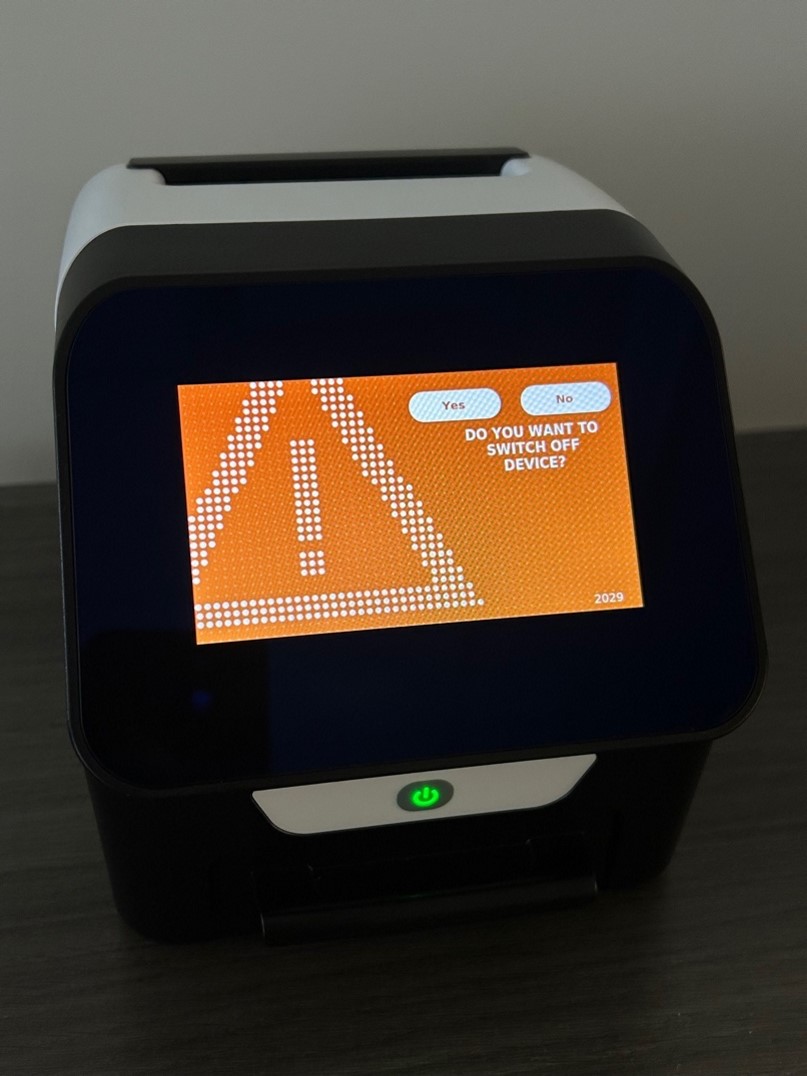
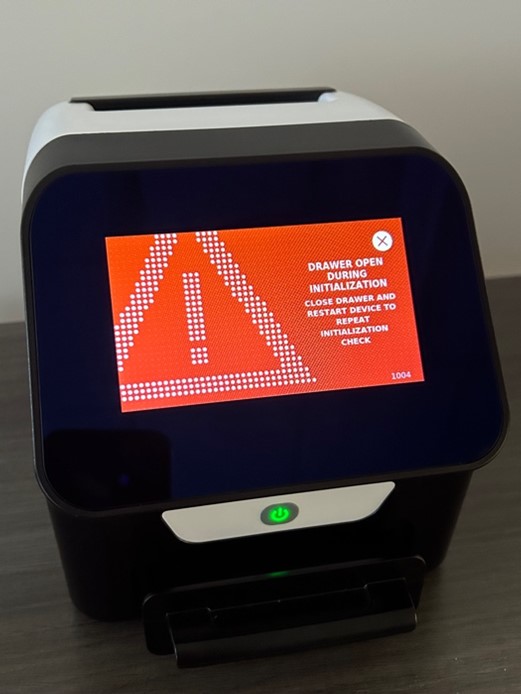
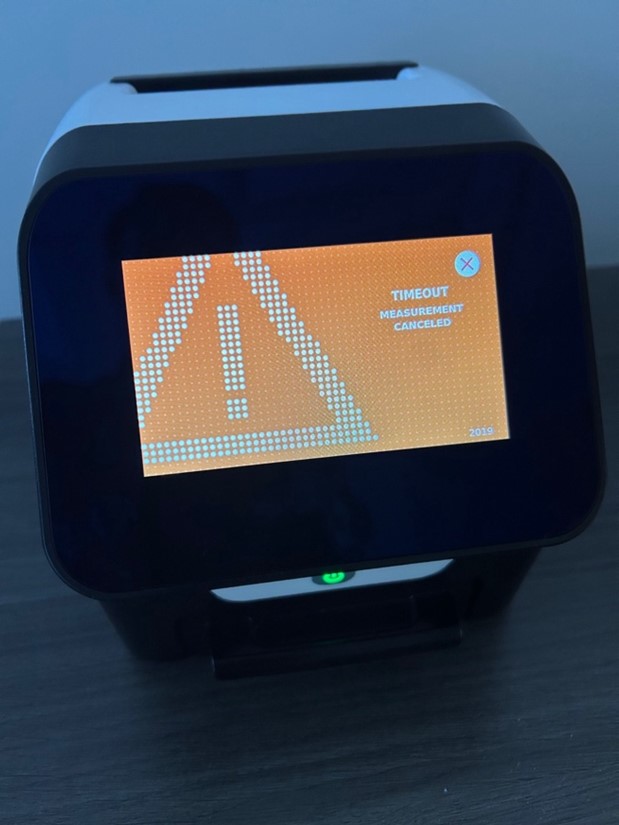
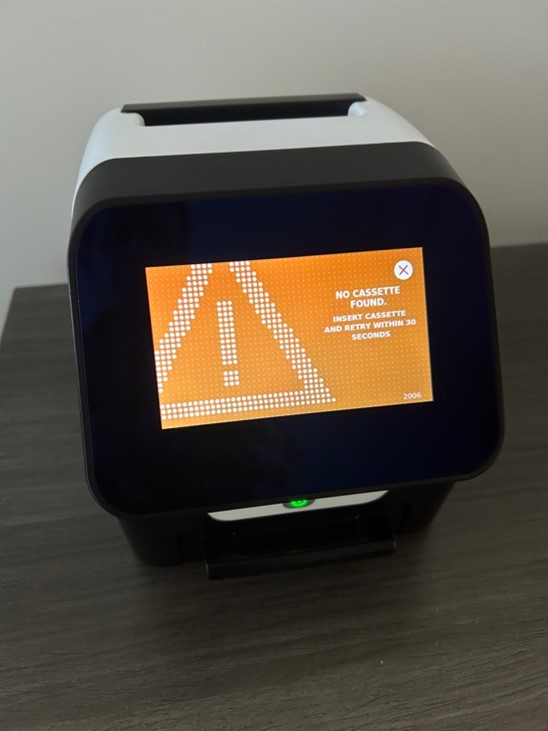
What happens if I get an error message on the ORALyzer?
The best remedy for an error message is to restart the ORALyzer. (It is also recommended that you restart each day).
What happens if I get an invalid test message?
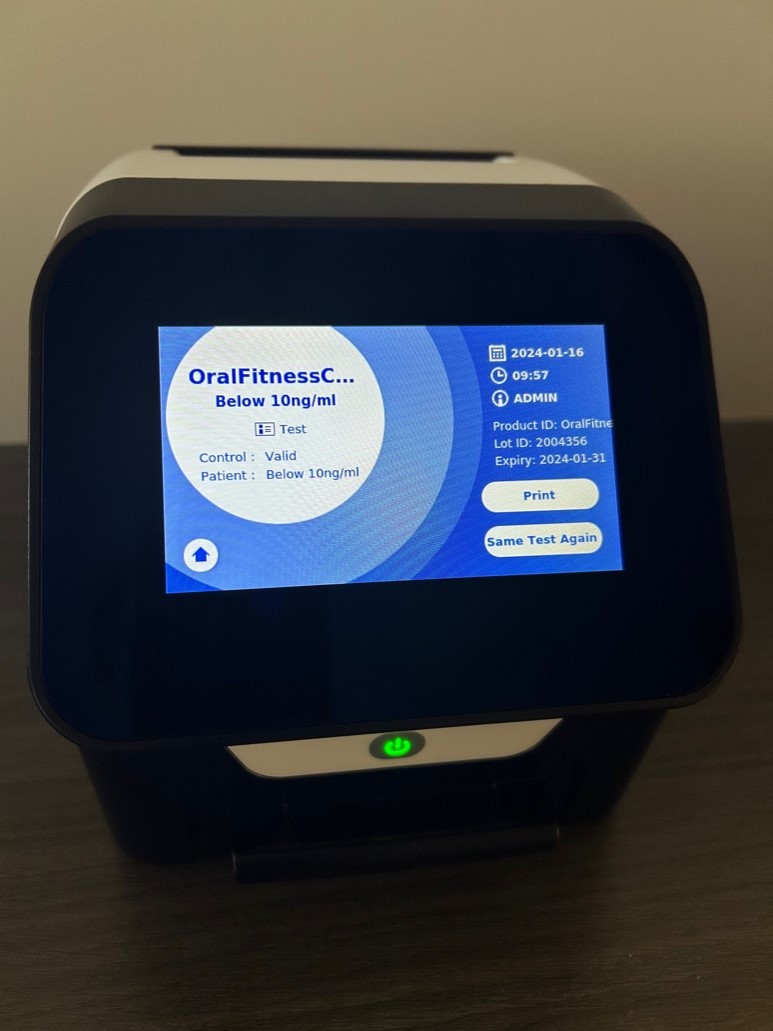
Under “OralFitnessCheck,” you will see the aMMP-8 measurement expressed in ng/ml and an indication as to whether the measurement was valid (Control: Valid) or invalid (Control: Invalid).
Note: The test cassette cannot be measured a second time.
If the ORALyzer® EXPERT presents an “Invalid” result, repeat the procedure with a new test cassette using the same sample. This could be due to a damaged pouch, incorrect storage, or an operating error (e.g., insufficient sample quantity). In such cases, please save the kit materials and contact the manufacturer’s US representative, DENTOGNOSTICS USA INC., West Palm Beach, FL 33401, by emailing info@dentognostics.com or calling 561-370-7384.
How do I clear a LOT # off the ORALyzer?
Go to the ADMIN area, click MANAGE DATA, and then go to DELETE METHODS. Hold down any button to allow a selection. Note: View the Unboxing and Setup Video for detailed instructions.